Here's the scoop on posting multiple pictures in a post!


Moderator
Joined: 05-01-2014
Posts: 8,511
From: California
Under 'community', there is 'photos and albums', but that just takes me to my gallery(no albums).
Interesting, I too can load attachments directly from my computer. That'll be nice, if it doesn't get taken away by IB. From my trip through Roswell, NM last fall.

Interesting, I too can load attachments directly from my computer. That'll be nice, if it doesn't get taken away by IB. From my trip through Roswell, NM last fall.


Platinum Member
Joined: 12-06-2009
Posts: 11,721
From: Alabama
So. Some of those Premium benefits aren't just for Premium members. 
Actually. That doesn't bother me. I'll just keep posting pics via the attachment method from my desktop.
Now, if we could just figure out that deleting of the Gallery pics. I've got a few I need to get rid of.
Actually. That doesn't bother me. I'll just keep posting pics via the attachment method from my desktop.
Now, if we could just figure out that deleting of the Gallery pics. I've got a few I need to get rid of.
Platinum Member
Joined: 12-06-2009
Posts: 11,721
From: Alabama
I'll just put a picture on my desktop, then grab it through the attachment window. If that is what you're asking.
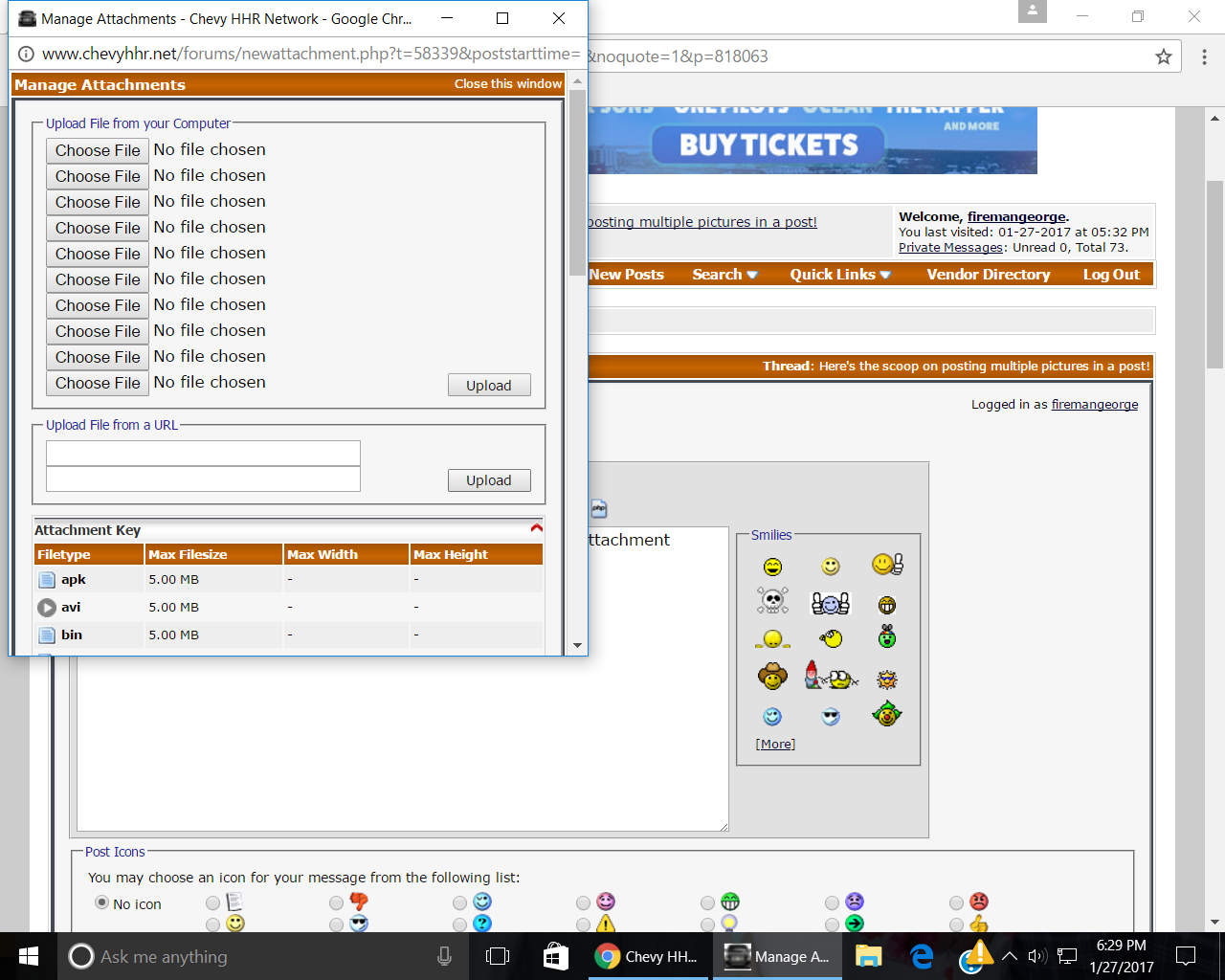
This is the window that comes up when you click the arrow next to paper clip thingy. Pick the file, upload , close that small window, then it will be back in the attachments when you click the arrow again.
That's how I'll do multiple pictures too. Just not very often.
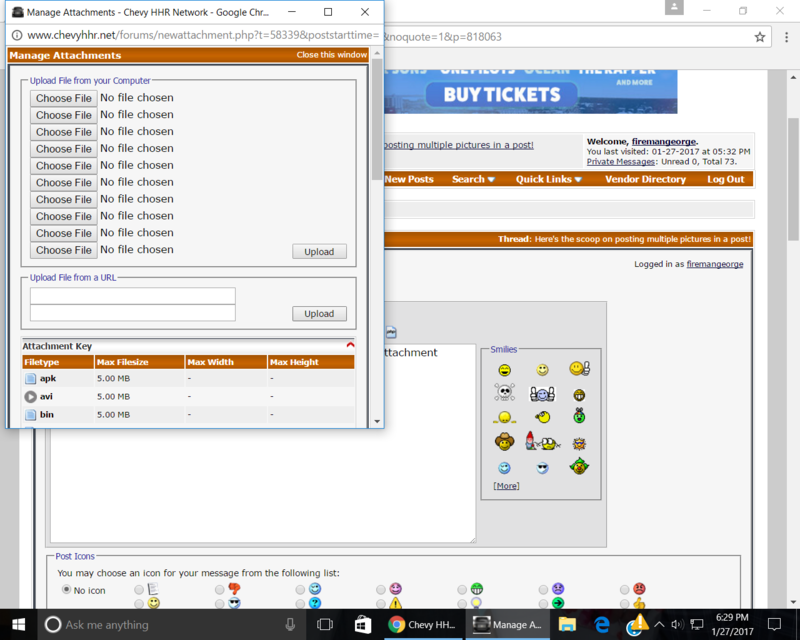
This is the window that comes up when you click the arrow next to paper clip thingy. Pick the file, upload , close that small window, then it will be back in the attachments when you click the arrow again.
That's how I'll do multiple pictures too. Just not very often.
Platinum Member
Joined: 12-06-2009
Posts: 11,721
From: Alabama
You got me. I do know one thing about doing it my way. Eventually, my pictures in older posts will disappear (file not found or something like that )
Seems like any time this site gets an update, my pics will disappear because they're not stored in my Gallery.
That statement you made earlier about deleting Gallery pics is probably true.
Seems like any time this site gets an update, my pics will disappear because they're not stored in my Gallery.
That statement you made earlier about deleting Gallery pics is probably true.
Moderator
Joined: 01-23-2009
Posts: 26,532
From: Fredericksburg,VA
OK, I figured it out! I have just been clicking close this window; that places the image at the end of the post and fits all attached images into the "attachment boxes.
If you close the the window then click the arrow next to the paper clip icon you choose which uploaded attachment to attach and you can move it to where ever you want it.
This is a much easier way to post, now I have to figure out how a new member is affected.
George, I think the reason some of your images disappear is there is a maximum number of attachments per user, I think the software may choose to delete one to make room for a new one.
If you close the the window then click the arrow next to the paper clip icon you choose which uploaded attachment to attach and you can move it to where ever you want it.
This is a much easier way to post, now I have to figure out how a new member is affected.
George, I think the reason some of your images disappear is there is a maximum number of attachments per user, I think the software may choose to delete one to make room for a new one.
Administrator
Joined: 10-13-2011
Posts: 40,083
From: Welland,Ont Canada
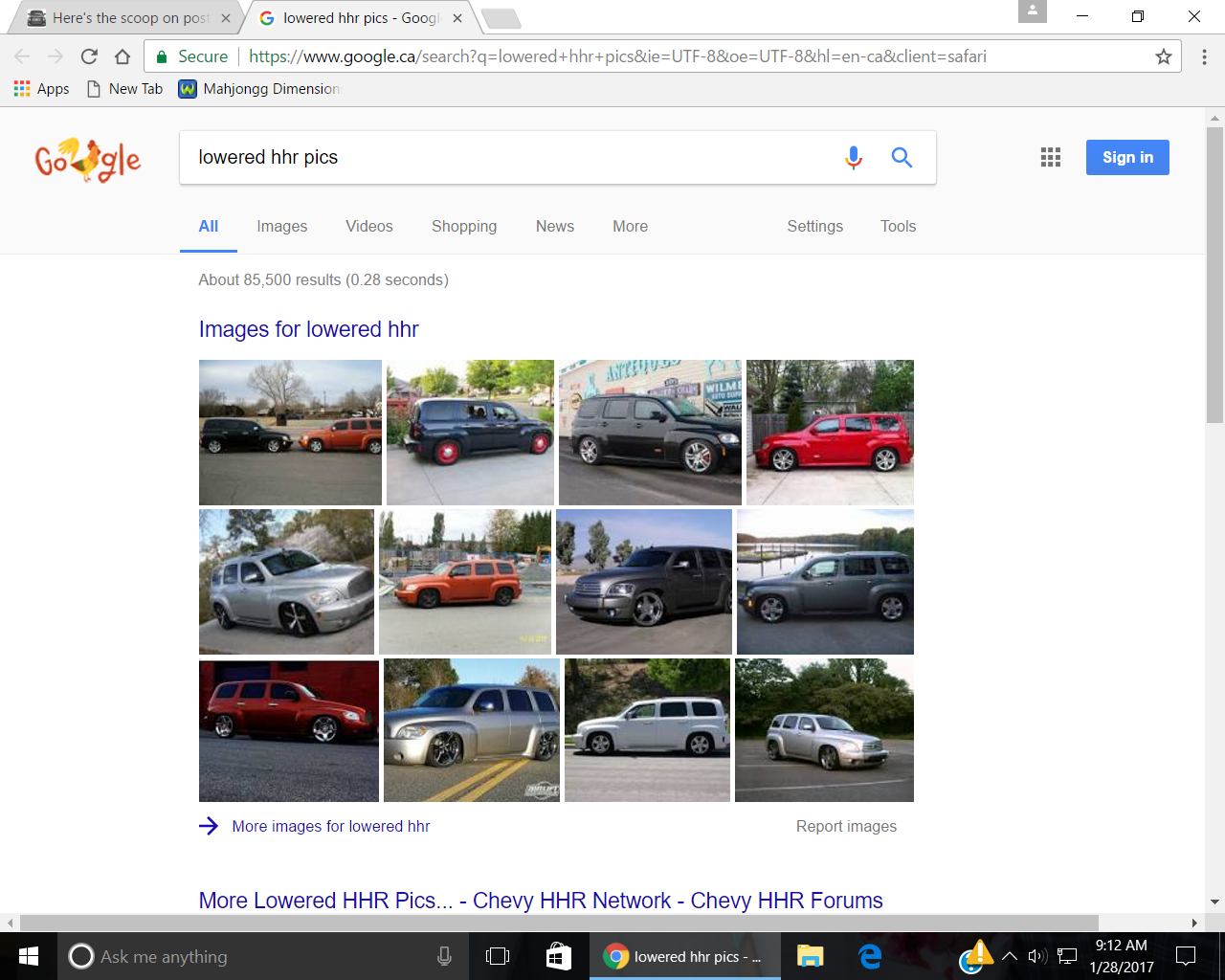
So this connects a link, via copy and paste
https://www.google.ca/search?q=lower...&client=safari
This if I click on the post card and copy gets this, but if , I copy a picture into the post card I get this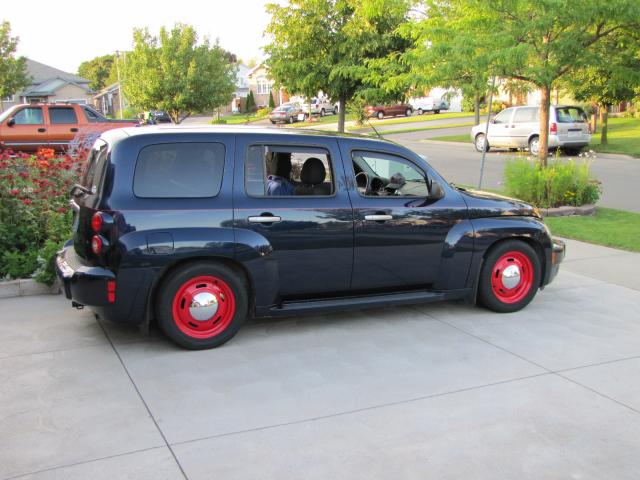
https://www.google.ca/search?q=lower...&client=safari
This if I click on the post card and copy