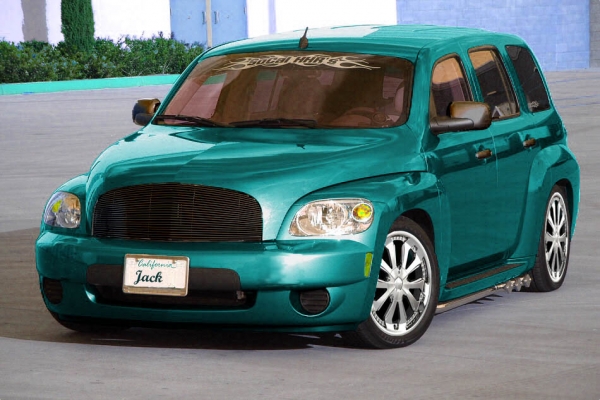
more photoshop please





Senior Member
Joined: 02-06-2006
Posts: 297
From: Raleigh, NC
Originally Posted by SIHHR
WOW what program did you use?
Senior Member
Joined: 02-06-2006
Posts: 297
From: Raleigh, NC
Originally Posted by captain howdy
You used MSpaint right.  I didn't know better I would almost swear that wasn't touched up.
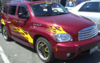
I didn't know better I would almost swear that wasn't touched up.  I think the finish looks more like red chrome than metallic paint, but it didn't look good when I toned down the reflective quality.

Senior Member
Joined: 02-06-2006
Posts: 297
From: Raleigh, NC
Originally Posted by Lee3333
How do you do it? Is it like a flood fill or can you control the individual layers?
I take the original image and make a duplicate, greyscale it, then colorize. It helps if the original is light in color - hard to do with black! Then you have to play with the color and saturation levels to get the color close. Of course, now everything is saturated in color.
The time consuming part is selecting everthing that you don't want color changed and deleting it. You have to select precisely so that your transitions are seamless (tablet and pen help here). Once that is finished, I paste the colorized shell into a new layer on top of the original. Things like wheels and chrome show through the top layer but the new color masks the original.
Then I play with blending modes to try and make the color look as real as possible. Sometimes I have to duplicate the colorized layer and do multiple blend styles, but that is just playing with sliders and is simple.
I have a Photoshop tutorial book that gives a better method for this, but I still haven't unpacked it from my move... so I've fallen back on old methods!
Now everyone breakout their graphics programs and start making virtual mods!
P.S. I would like to thank SoCal and Tokyo for not bashing me for stealing their images!